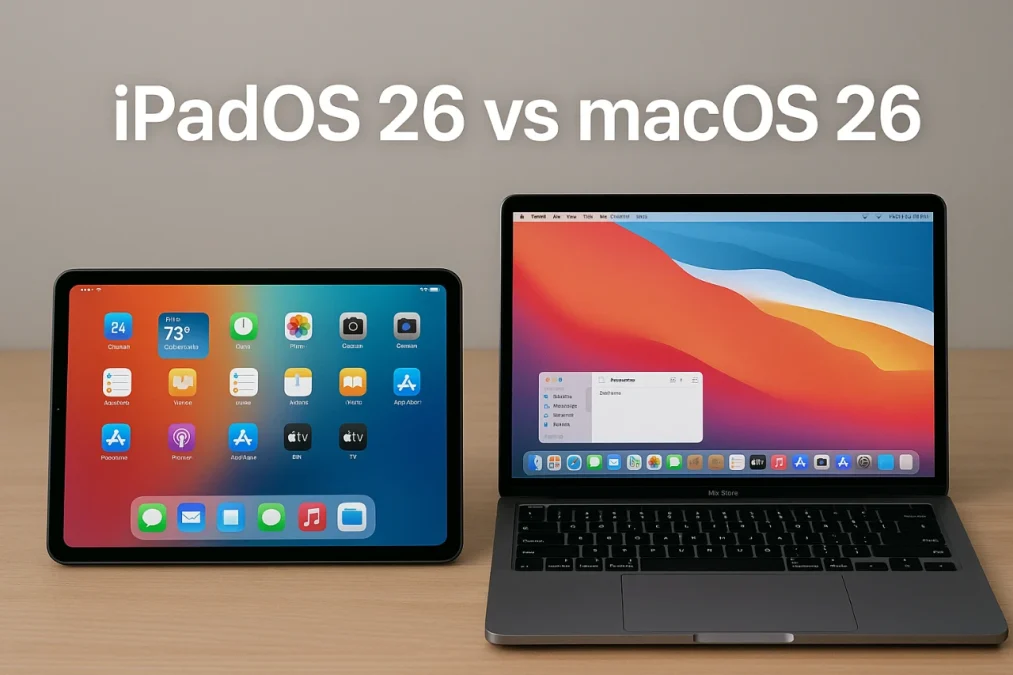
iPadOS Changed Everything MacOS 26 has further blurred the lines between the iPad Pro and the MacBook Pro, bringing Apple’s flagship tablet closer than ever to its laptop counterpart. With both devices now powered by the same innovative M4 chip, the choice between them hinges on factors such as form factor, software capabilities, and pricing. The video below from 9to5Mac provides more insights into the key aspects of performance, design, display, software, and cost to help you decide which device best suits your needs.
Performance: A Shared Powerhouse with Subtle Differences
Both the iPad Pro and MacBook Pro are built around Apple’s M4 chip, offering identical CPU and GPU performance. This shared architecture ensures that both devices excel in handling demanding tasks such as video editing, 3D rendering, and multitasking. However, differences in memory and storage configurations create a distinction in their performance potential.
- MacBook Pro: Comes standard with 16GB of RAM and 512GB of storage, making it a strong choice for professional workflows right out of the box. This configuration provides ample headroom for resource-intensive tasks without requiring immediate upgrades.
- iPad Pro: Starts with 8GB of RAM and 256GB of storage, which may suffice for casual users but can quickly become limiting for professionals. Upgrading these specifications significantly increases the overall cost.
For power users, the MacBook Pro’s default configuration offers better scalability and value, particularly for tasks that demand high memory and storage capacity.
Design and Hardware: Portability Meets Practicality
The iPad Pro’s ultra-thin design and compatibility with accessories like the Magic Keyboard and Apple Pencil make it a versatile device that seamlessly transitions between tablet and laptop modes. This flexibility appeals to users who prioritize portability and adaptability in their workflows. Its lightweight build and touch interface make it especially attractive for on-the-go use.
In contrast, the MacBook Pro delivers a more traditional laptop experience, emphasizing functionality and durability. It features a wider range of built-in ports, including:
- Thunderbolt
- HDMI
- SD card slot
- MagSafe
These ports cater to professionals who rely on external displays, storage devices, and other peripherals. Additionally, the MacBook Pro features a longer battery life, making it a dependable choice for extended work sessions without frequent recharging. While the iPad Pro excels in versatility, the MacBook Pro’s hardware is better suited for users with demanding connectivity and power needs.
iPadOS Changed Everything MacOS Display: OLED Brilliance vs. Mini-LED Excellence
Both devices feature advanced display technologies, but the iPad Pro takes the lead with its OLED XDR display. This screen offers:
- Exceptional color accuracy for lifelike visuals
- High contrast and brightness for vibrant imagery
- 120Hz ProMotion for smoother scrolling and animations
These features make the iPad Pro an ideal choice for creative professionals engaged in tasks like drawing, photo editing, and video production. The touch and stylus optimization further enhances its appeal for artists and designers.
The MacBook Pro, while slightly behind in display quality, features a mini-LED XDR display that still delivers excellent color reproduction and brightness. For users focused on traditional workflows such as coding, writing, or spreadsheet management, the difference in display performance may not be a decisive factor.
Software: iPadOS Changed Everything MacOS 26
iPadOS 26 introduces significant improvements in multitasking, including advanced windowing systems, split views, and enhanced file management. These updates make the iPad Pro more capable of handling tasks traditionally reserved for laptops. However, certain limitations remain:
- Professional applications like Final Cut Pro, Logic Pro, and Xcode are either unavailable or restricted in functionality.
- Advanced tools such as Terminal access and full desktop-class software support are still lacking.
MacOS, on the other hand, continues to dominate professional workflows. Its compatibility with industry-standard software and robust multitasking capabilities make it the preferred choice for developers, video editors, and other power users. While iPadOS shines in creative and educational contexts, macOS offers unmatched versatility and reliability for professionals who require advanced tools and software.
Cost: Balancing Value and Investment
Pricing is a critical consideration when choosing between the iPad Pro and MacBook Pro. The MacBook Pro starts at $1,299, offering a complete package for professional use without the need for additional accessories. In contrast, the iPad Pro, when equipped with comparable specifications and accessories like the Magic Keyboard and Apple Pencil, can exceed $2,200. This makes the iPad Pro a more expensive option for users seeking a full laptop replacement.
For those who prioritize flexibility and portability, the iPad Pro’s higher cost may be justified. However, for users focused on professional workflows and value for money, the MacBook Pro remains the more practical choice.
Making the Right Choice
Deciding between the iPad Pro and MacBook Pro ultimately depends on your priorities, budget, and intended use cases.
- iPad Pro: Best suited for users who value flexibility, portability, and creative tools. Its hybrid functionality and advanced display make it an excellent choice for artists, designers, and educators.
- MacBook Pro: Ideal for professionals who need robust software support, a traditional laptop experience, and better value for money. Its hardware and software ecosystem cater to demanding workflows and long-term productivity.
By carefully evaluating the strengths and limitations of each device, you can make an informed decision that aligns with your personal and professional needs.
Also Like This Software !!!! Download Link